Posts mit dem Label statecharts werden angezeigt. Alle Posts anzeigen

Mittwoch, 26. November 2014

Supersonic 5 Minute Lego Bot

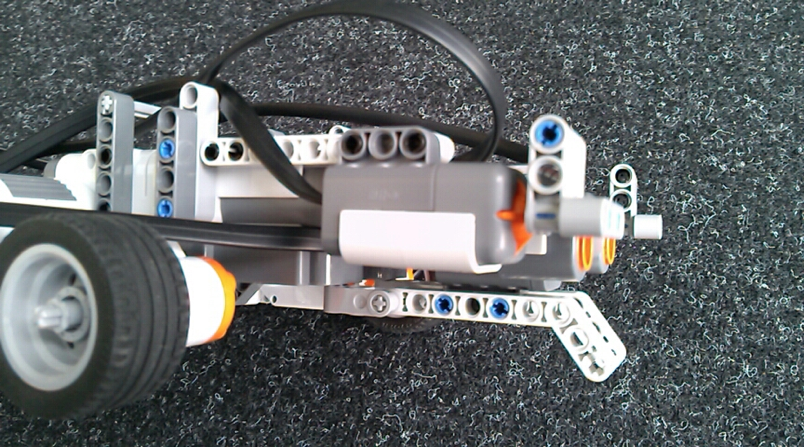
In order to experiment with our new YAKINDU SCT4NXT statechart tool for Lego Mindstroms NXT i was looking for a simple Lego bot that can be build within few minutes. I came across the building instructions of the 'Five Minute Bot'. This was a good basis for and just had to attach the desired supersonic and touch sensors.

It looks like this ...
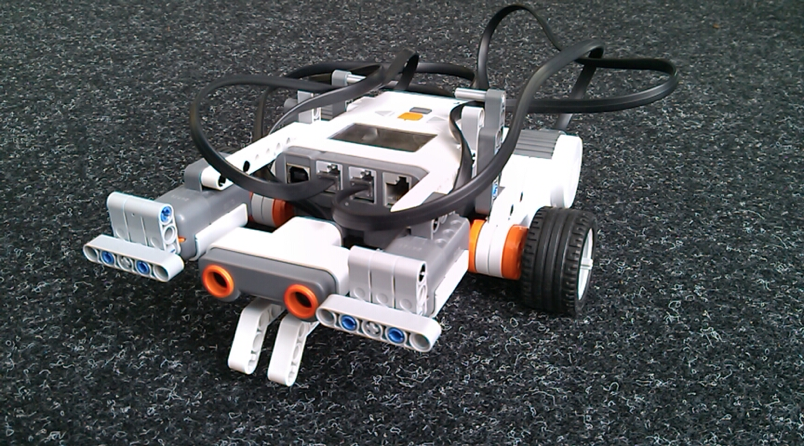


... and here are the building instructions.

The design is based on the ‘Five Minute Bot’ from www.nxtprograms.com. So start with those building instructions and continue here when you are ready…


Mounting the ultrasonic sensor

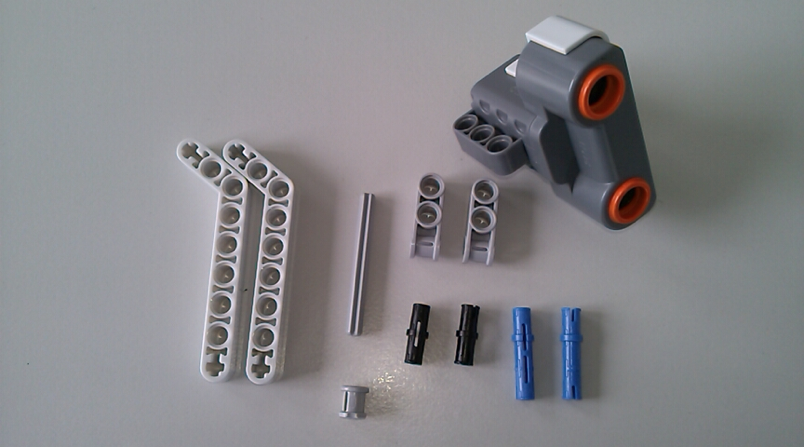
For the ultrasonic sensor you’ll need the sensor itself as well as few other parts.
step one


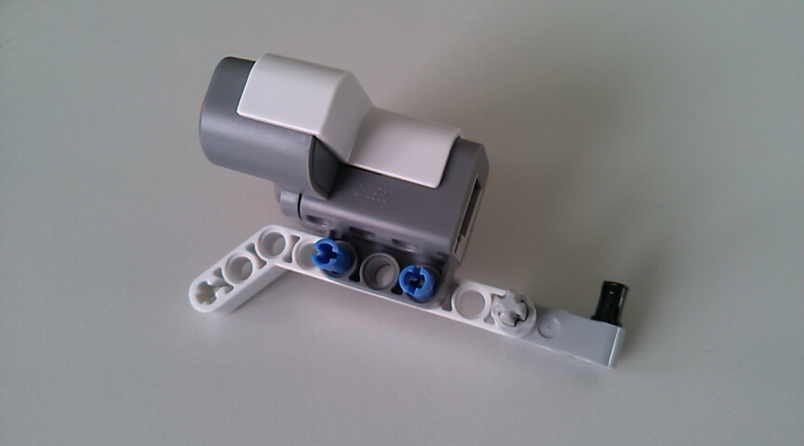
step two

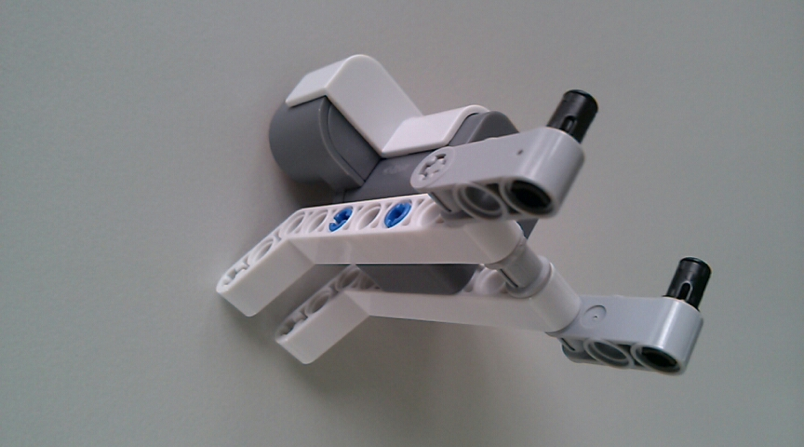
step three

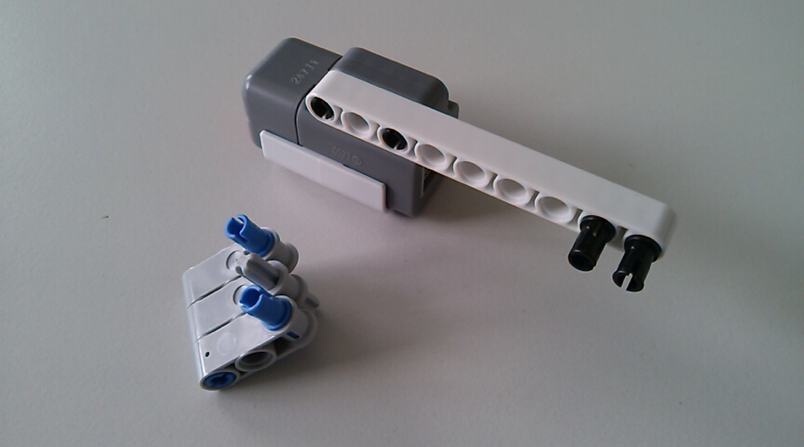
step four


Now first connect the cable and then mount the ultrasonic sensor to the bots bottom side.


Mounting the touch sensors

Mounting the right and left touch sensors are identical so the instructions below are for one sensor and you have to build it twice.

Each sensor needs some parts for attaching it to the bot as well as some part that are mounted on the tip of the sensor in order to have a larger touch area.  
step one

step two


For the left sensor the mounting bar has to be attached to the other side of the sensor.
step three
step four


connect it to the right (and left) side of the NXT brick

… done !!

The bot should now look like this ...


You can also download these building instructions as PDF. It is provided under the terms of the Creative Commons Attribution 4.0 International Public License

Dienstag, 10. März 2009

YAKINDU Statechart Tools published

Today we (the itemis Yakindu team) published the first version (M01) of the YAKINDU Statechart Tools.

The Yakindu development tools are a tool kit for model based development and the statechart tools are the first module provided by this project. The tools apply the concept of state machines that are well understood and formal enough to describe behaviour unambiguously. The statechart tools support editing, validating, simulating state machines and generating code from state machines. The tools are provided as Eclipse-plugins and integrate tightly into the IDE.

The simulation of a state machine is integrated with the debug perspective of Eclipse and uses the Yakindu Statechart Diagram Editor to visualize the execution of the state machine by highlighting active state and current transition. Additionally, the user can interact with the simulation by sending triggers to or by changing variable values within the simulator to drive the state machine. The screenshot shows a simulation session in action.


This version includes a C-code generator. Generators for other target languages like Java and PLCs will follow in the next version. This will be published end of march.

The statechart tools are built on Eclipse technologies especially from the Eclipse Modeling Project and openArchitectureWare like EMF, GMF, Xpand, Xtend and Check.  

You can download the plugins as well as the user guide from the  Yakindu website. Of course there is also an Eclipse update site where new versions of the tools will be published. Please take a look at the user guide for details on using the tools. We hope that you like the statechart tools and we highly appreciate any feedback.